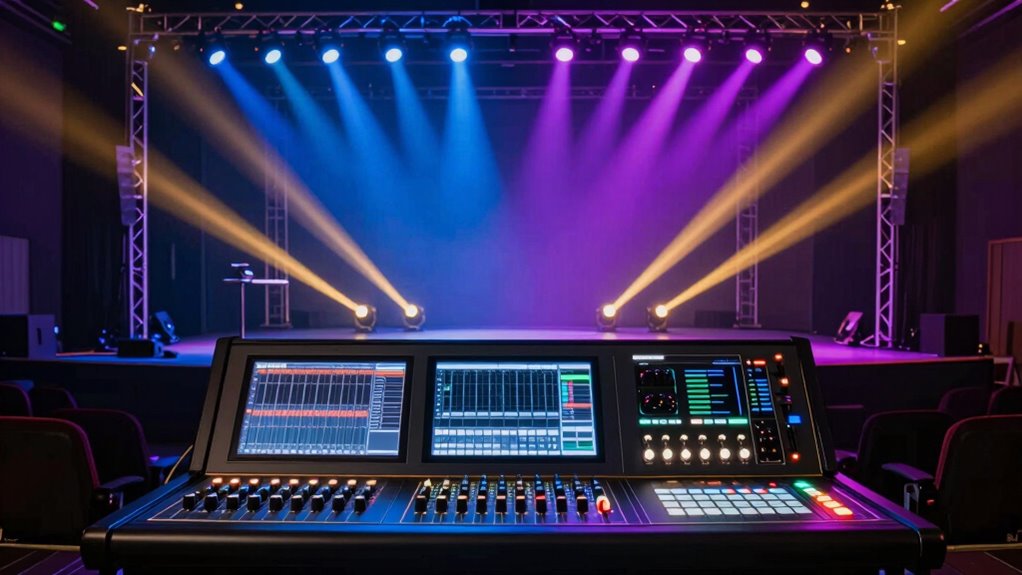

DMX is a simple but powerful protocol that lets you control professional stage lighting from a central console. It communicates through a daisy-chain setup using XLR cables, sending structured data packets to devices with unique addresses. You assign channels and addresses, then create scenes and effects for your setup. Getting familiar with setup, addressing, and basic troubleshooting makes controlling lights easier and more efficient. Keep exploring, and you’ll discover how straightforward and flexible DMX control can be.
Key Takeaways
- Understand that DMX uses a digital protocol to control multiple lighting fixtures from a central console.
- Learn how to assign unique addresses to fixtures to ensure proper control and avoid conflicts.
- Use daisy-chain cabling with XLR connectors to connect fixtures in a straightforward, organized setup.
- Program scenes and color mixes by adjusting fixture channels, enabling smooth transitions and dynamic effects.
- Regularly check connections, cables, and fixture calibration to maintain reliable, professional lighting control.
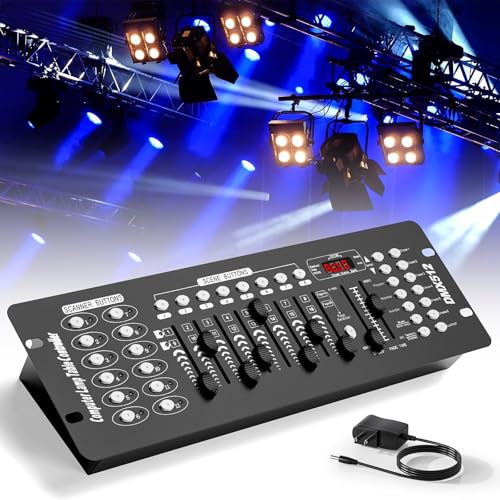
192 DMX Controller Use for Editing Program of Stage Lighting,DMX 512 DJ Controller Stage Light Controller Panel DMX Console for Party Music Show Christmas and Halloween
- Channel Control: Controls up to 192 channels
- Device Compatibility: Supports 12 smart devices
- Scenario Management: Can manage 240 programmable scenarios
As an affiliate, we earn on qualifying purchases.
As an affiliate, we earn on qualifying purchases.
What Is DMX and Why Is It the Standard for Professional Lighting?
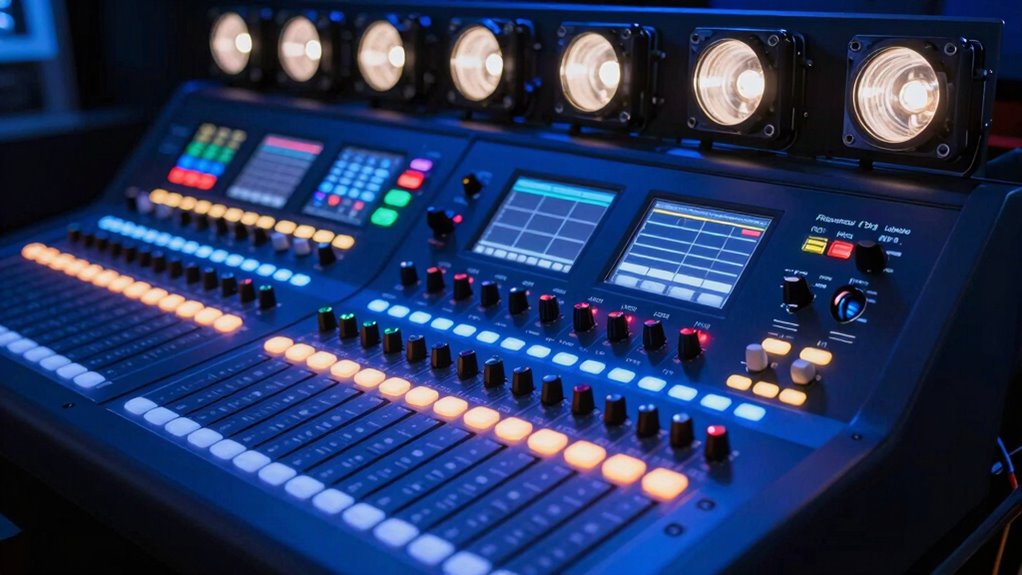
DMX, short for Digital Multiplex, is a communication protocol used to control stage lighting and effects from a central console. It’s the standard because it simplifies complex lighting setups, allowing you to coordinate multiple devices easily. With DMX, you can perform precise color mixing, blending colors seamlessly to create the perfect ambiance. It also manages power distribution efficiently, ensuring your lights operate smoothly without overloads. This protocol enables you to control brightness, color, and effects all from a single source, saving time and reducing errors. Its reliability and flexibility make it the go-to choice for professional lighting setups. Whether you’re running a concert or a theatrical show, DMX gives you the control you need to craft stunning lighting displays effortlessly.

MFL. 10 ft Flexible DMX Cable 3 Pin Signal XLR Male to Female Cable Wire for Stage Lighting DJ Lights, 110 Ohms Impedance, Black, 4 Pack
- Length: 10.2 ft Pro Series DMX Cables
- Connector Type: XLR 3-pin male to female
- Durability: Heavy duty metal connectors
As an affiliate, we earn on qualifying purchases.
As an affiliate, we earn on qualifying purchases.
How Do DMX Devices Communicate?
How Do DMX Devices Communicate?
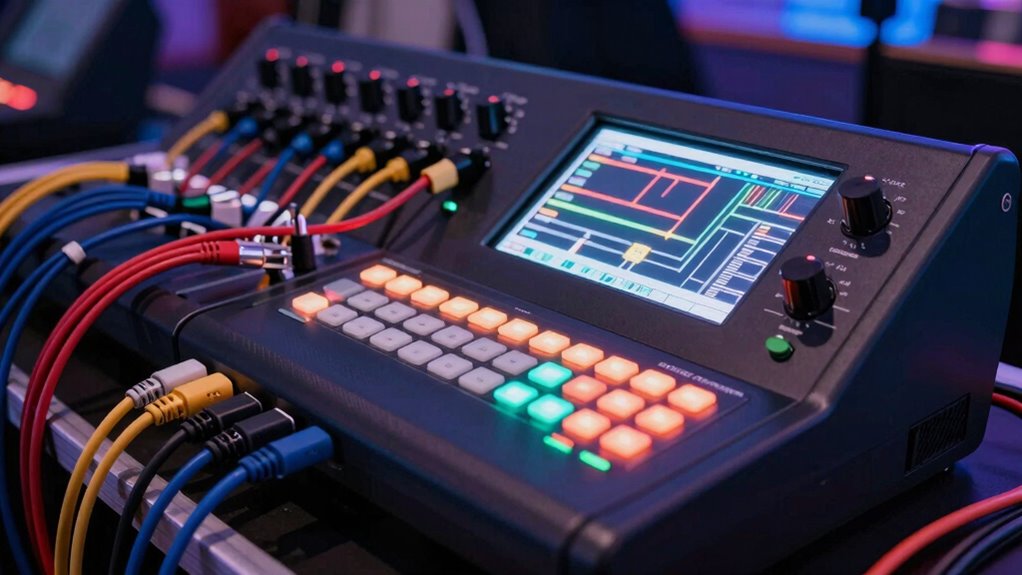
DMX devices communicate through a digital signal transmitted via a specific wiring setup, ensuring reliable data flow. The data packet structure organizes information into channels, making it easy to control multiple fixtures simultaneously. Each device has an address, allowing you to target specific fixtures within the network. This method of communication reflects the principles of digital concepts that enhance efficiency in various technological applications. Additionally, similar to how color accuracy affects image quality in projectors, precise DMX communication ensures that lighting effects are executed correctly. Effective user consent management can further ensure that data transmission remains secure and compliant with privacy standards. Furthermore, utilizing template compatibility can optimize your setup, allowing for seamless integration and enhanced performance. Understanding the importance of signal integrity is crucial, as it directly impacts the reliability of your DMX setup.
Signal Transmission Method
How do lighting fixtures and control consoles exchange signals efficiently? They use a digital communication method called DMX512, which relies on a daisy-chain setup with a single data cable. The signals travel through twisted pair wiring, often using standard 5-pin XLR connectors. For longer distances or more complex setups, fiber optics can be used to transmit signals with minimal interference and higher speed. Wireless transmission is also an option, allowing you to control fixtures without running cables, which is ideal for temporary or hard-to-reach locations. Regardless of the method, the goal is to send precise control data quickly and reliably. This guarantees your lighting responds accurately to your commands, creating seamless and dynamic lighting effects. Additionally, incorporating interactive murals can enhance the visual experience by integrating dynamic elements into your lighting setup. Furthermore, understanding signal transmission methods is crucial for optimizing your entire lighting system.
Data Packet Structure
To understand how DMX devices communicate, it’s essential to recognize that the data is sent in structured packets containing specific information. A data packet is a series of bytes that carry instructions for your lighting fixtures, following a strict transmission protocol. Each packet starts with a start code, indicating the type of data being sent. The remaining bytes specify the values for individual channels, controlling intensity, color, or movement. The transmission protocol ensures that data flows in a consistent, predictable manner, allowing multiple devices to interpret signals correctly. This structure guarantees reliable communication across your lighting rig, with each device understanding its specific commands. The clarity of the data packet format is critical for synchronized, seamless lighting control.
Device Addressing Protocol
Devices on a DMX network communicate by using unique addresses that tell each fixture where to listen for data. This addressing system assures each fixture responds correctly, enabling precise control over lighting setups. Proper fixture mapping is essential for effective color mixing and creating seamless lighting scenes. By assigning specific addresses, you can control multiple lights independently or in groups, streamlining complex shows. Addressing can be set via dip switches or digital controls, depending on your fixtures. Accurate addressing prevents data conflicts and guarantees each device interprets signals correctly. When planning your setup, consider how fixture mapping aligns with your desired lighting design, especially if you’re working with color mixing effects that require specific fixtures to respond in harmony. Clear addressing is fundamental for professional, reliable DMX control.
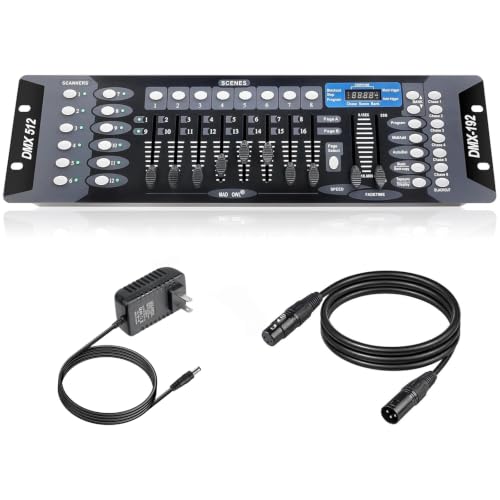
DMX Controller for dj Lights Dmx512 Light Controllers 192 Channel DMX Board with Cables 2m/6.6 ft Dmx-512 Lighting Console for Control Stage Light
- Versatile Control: 192 channels for comprehensive lighting control
- Capacity: 23 banks of 8 programmable scenes
- Connectivity: Includes 6.6 ft DMX cable
As an affiliate, we earn on qualifying purchases.
As an affiliate, we earn on qualifying purchases.
Essential Equipment for DMX Lighting Control

To control your lighting setup with DMX, you’ll need a reliable DMX controller or console that acts as the command center. This is essential for ensuring that your lighting choices are both effective and ethically responsible, especially when considering the impact of consumer choices on the environment. Additionally, selecting the right flywheel upgrades can enhance performance in other areas of your setup. You also want to select essential lighting fixtures compatible with DMX to bring your design to life. Understanding these key pieces helps guarantee your system operates smoothly and efficiently. Additionally, incorporating foam rolling techniques can enhance your overall performance and recovery during long events. Proper cabling solutions are crucial to prevent signal loss and ensure your setup runs seamlessly. Many DMX systems also integrate with smart home devices for enhanced functionality.
DMX Controllers and Consoles
DMX controllers and consoles serve as the command centers for your lighting setup, allowing you to manage multiple fixtures with ease and precision. They give you control over lighting aesthetics, enabling you to create stunning visual effects and seamless color mixing. With the right console, you can program complex scenes, adjust brightness, and synchronize movements effortlessly. Some advanced consoles even support touchscreen interfaces for intuitive operation. Consider these features to elevate your lighting design:
- Multiple universe support for extensive fixture control
- Customizable faders and buttons for quick access
- Built-in effects and programming tools for creative flexibility
Choosing the right DMX controller helps you craft mesmerizing environments, making your lighting both functional and visually impressive.
Essential Lighting Fixtures
A well-rounded lighting setup relies on a variety of fixtures that can be controlled seamlessly through DMX systems. Essential fixtures include LED PAR cans, moving head lights, and wash lights, which offer versatile color mixing options to create dynamic effects. These fixtures require proper calibration to guarantee accurate color reproduction and smooth movement. Fixture calibration is vital for consistent performance, especially when combining multiple units in a show. Additionally, understanding halal traditions can enhance the atmosphere of events that celebrate cultural diversity. Moving heads add flexibility with pan and tilt, making them ideal for highlighting or dynamic effects. LED fixtures are energy-efficient and provide bright, vibrant colors. By selecting the right fixtures and maintaining proper calibration, you’ll achieve professional-looking lighting that responds precisely to your DMX control, elevating your overall production quality. Additionally, understanding lubricant specs can help ensure that any motorized components in your lighting system operate smoothly and efficiently.

CHINLY DMX 512 DMX Dfi DJ 2.4G Wireless 1 Transmitter Controller for LED Stage Par Party Light
- Wireless DMX512 transmission: Transmits DMX512 data wirelessly
- Real-time signal transmission: No delay in data transmission
- Long communication range: Up to 400M visible distance
As an affiliate, we earn on qualifying purchases.
As an affiliate, we earn on qualifying purchases.
How to Set Up Your First DMX Lighting System
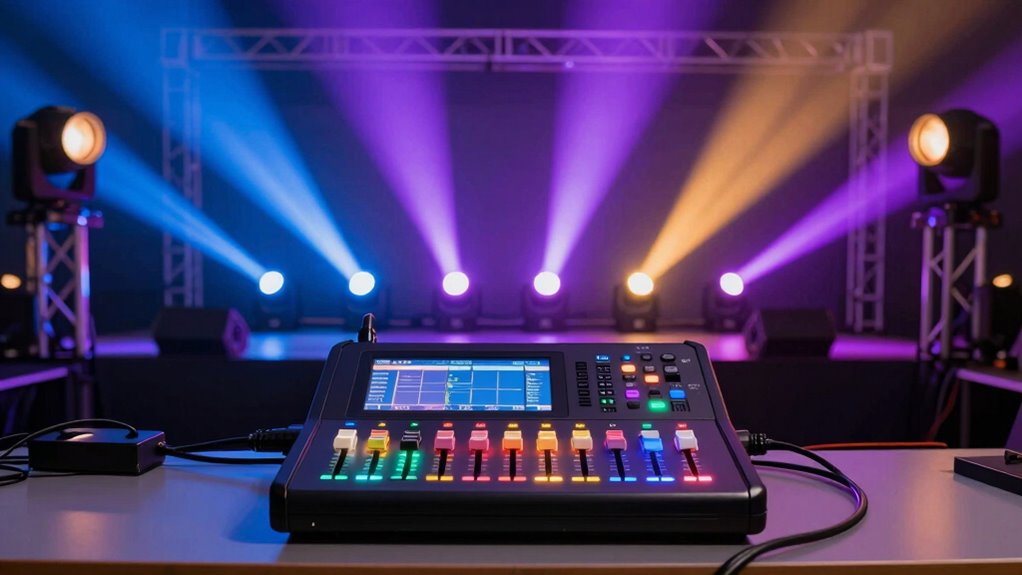
Starting your first DMX lighting system can seem intimidating, but with a clear step-by-step approach, it becomes manageable. Begin by planning your lighting aesthetics—decide on the colors, effects, and fixture placement to achieve your desired look. Next, guarantee proper power management by using appropriate power supplies and avoiding overloads, which safeguards your equipment and maintains consistent performance. Connect your fixtures using DMX cables, forming a daisy chain from the controller to each fixture, and keep cables neat to prevent signal interference. Finally, verify connections and power on your system, checking for proper operation. Remember, a well-organized setup leads to better control and stunning lighting effects, making your experience smoother and more enjoyable.
How to Assign DMX Addresses and Channels
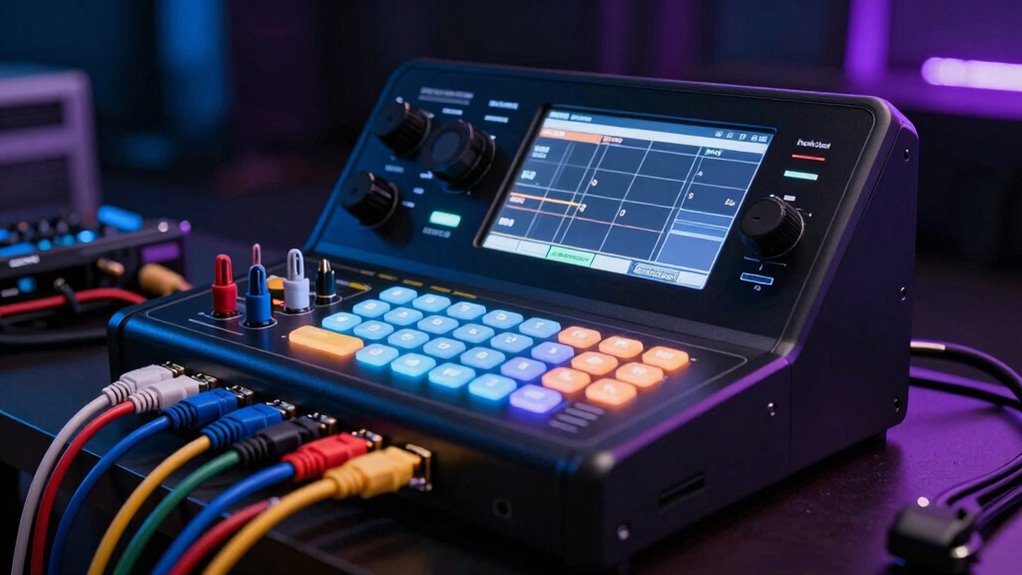
Before you can control your lighting fixtures effectively, you need to assign each one a unique DMX address and channel. DMX addressing is how you tell each fixture its specific control signals, so it responds correctly. Start by checking your fixture’s manual to find its default address or range. For channel assignment, assign each fixture a specific number based on its position in the DMX universe, typically starting at 1. If your fixture uses multiple channels, assign consecutive addresses accordingly. Additionally, AI-driven solutions in healthcare may inspire innovative approaches to lighting technology. Proper DMX addressing and channel assignment are essential for accurate control and smooth operation. Understanding the importance of building flight hours in aviation can provide insights into the level of detail needed in your setup. Accurate measurement tools can help ensure your lighting setup is precise and consistent. Make sure no two fixtures share the same address to avoid conflicts. Once done, your lighting system will respond reliably to your commands, making setup easier and more efficient. Additionally, understanding the concept of communication and emotional connection can enhance your teamwork when coordinating lighting designs for events.
How to Create Basic Lighting Scenes and Effects With DMX
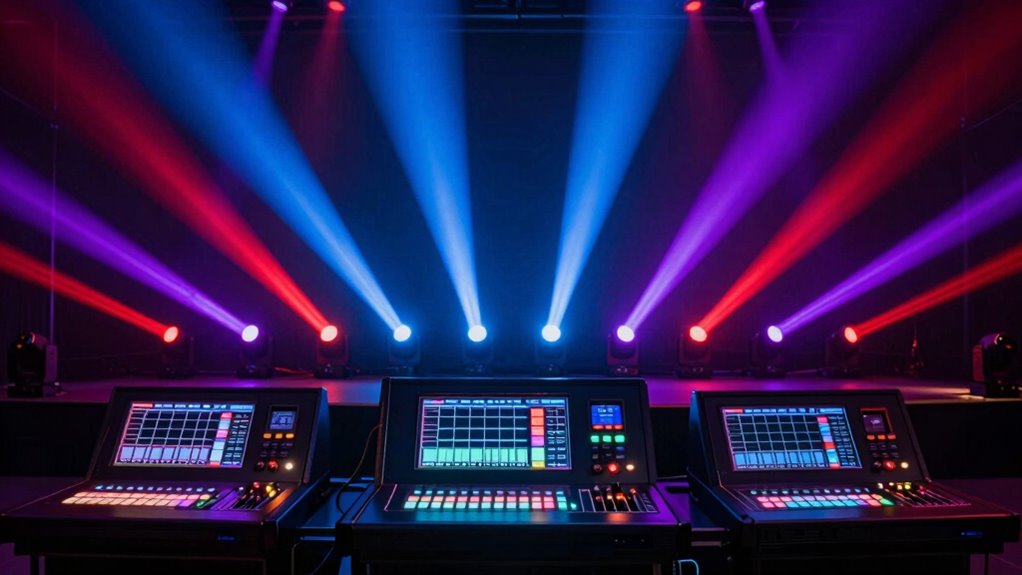
Once your DMX fixtures are properly addressed and assigned channels, creating basic lighting scenes and effects becomes straightforward. You can achieve dynamic looks by adjusting fixture settings for color mixing and intensity. Use your DMX controller to program scenes that shift smoothly or change instantly. Incorporate fixture calibration to guarantee consistent color and brightness across fixtures. To enhance your scenes, consider these techniques:
- Mix colors by adjusting RGB or CMY channels for vibrant effects
- Create fades and chases by programming scene transitions
- Use scene presets to quickly switch between different moods or themes
Mastering these elements allows you to craft compelling lighting effects with precision, making your shows more professional and visually engaging. Remember, implementing smarter choices in your lighting setup can elevate the overall experience for your audience.
How to Troubleshoot Signal Loss and Addressing Conflicts
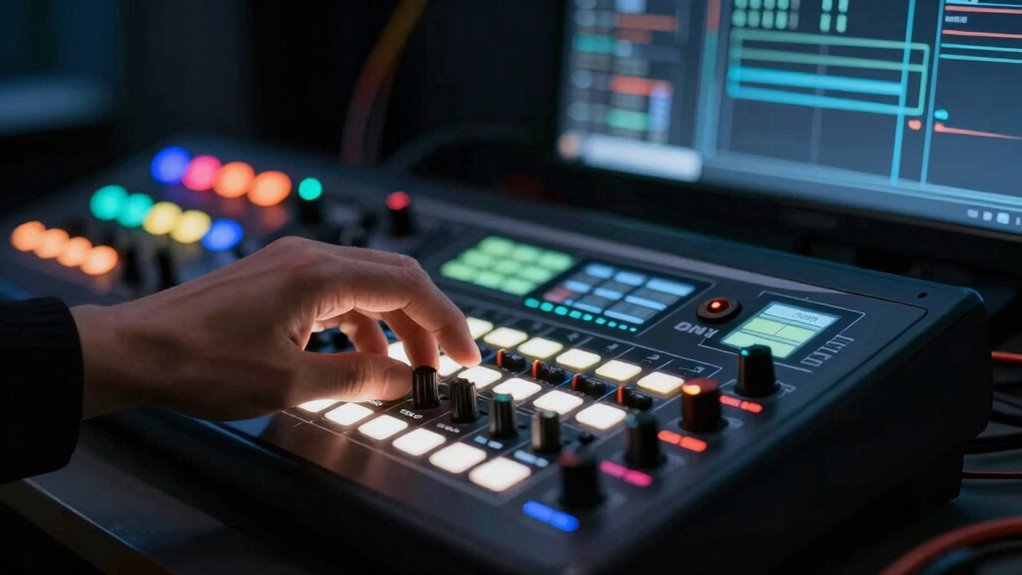
When you notice that your DMX fixtures aren’t responding as expected, signal loss or addressing conflicts are often the culprits. Troubleshooting connections involves checking all cables and connectors for damage or loose wiring. Confirm your DMX chain is properly terminated at the end to prevent signal reflection. If fixtures aren’t responding correctly, verify their addresses match your controller’s settings. Address conflict resolution means making sure no two fixtures share the same address. Use your DMX controller’s software or DIP switches to assign unique addresses. If issues persist, disconnect fixtures one at a time to isolate the problem. Keep your wiring organized and secure to avoid interference. By systematically troubleshooting connections and resolving address conflicts, you’ll restore reliable communication and seamless lighting control. Additionally, ensuring your fixtures are protected with high-quality remote covers can help prevent physical damage that may contribute to signal issues. Regularly inspecting your cables and connectors can also help identify potential problems before they affect performance. Utilizing 85mm lenses for portrait photography can enhance your lighting setup, ensuring that your DMX-controlled lights create the desired effect. Furthermore, understanding the significance of LPGA milestones can inspire creativity in your lighting designs, making them more impactful and memorable. Remember that proper gear care not only prolongs the life of your equipment but also enhances its performance in critical situations.
How to Expand Your DMX Lighting System Over Time
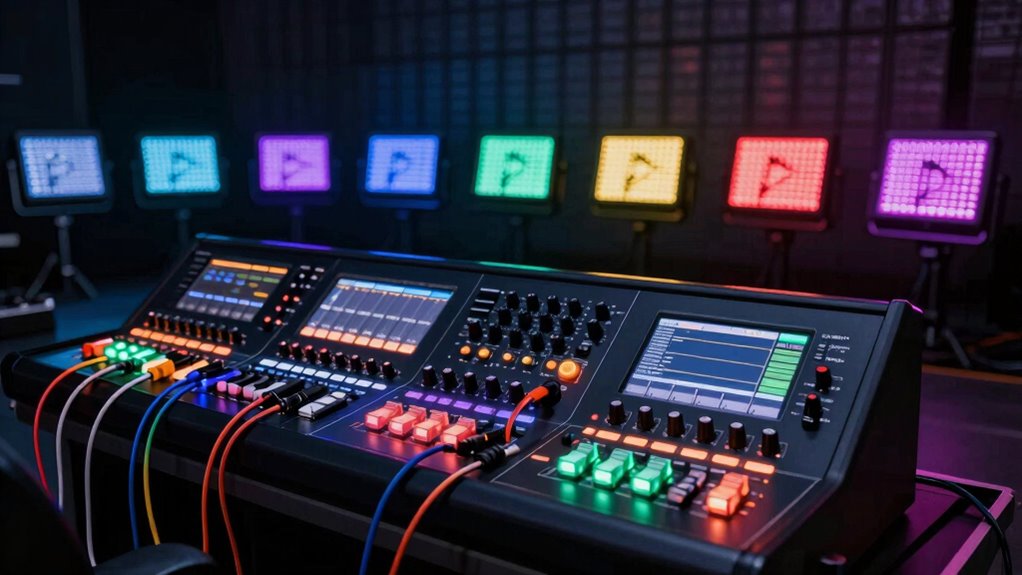
Expanding your DMX lighting system is a straightforward process that allows you to add more fixtures and create dynamic lighting displays. As your setup grows, you can incorporate creative lighting designs and achieve more complex effects. To guarantee smooth expansion, consider the following:
- Use DMX splitters or boosters to maintain signal integrity across larger setups.
- Plan your fixture layout for seamless advanced fixture integration.
- Upgrade your controller’s capacity to handle additional channels and fixtures.
How to Choose User-Friendly DMX Software for Beginners
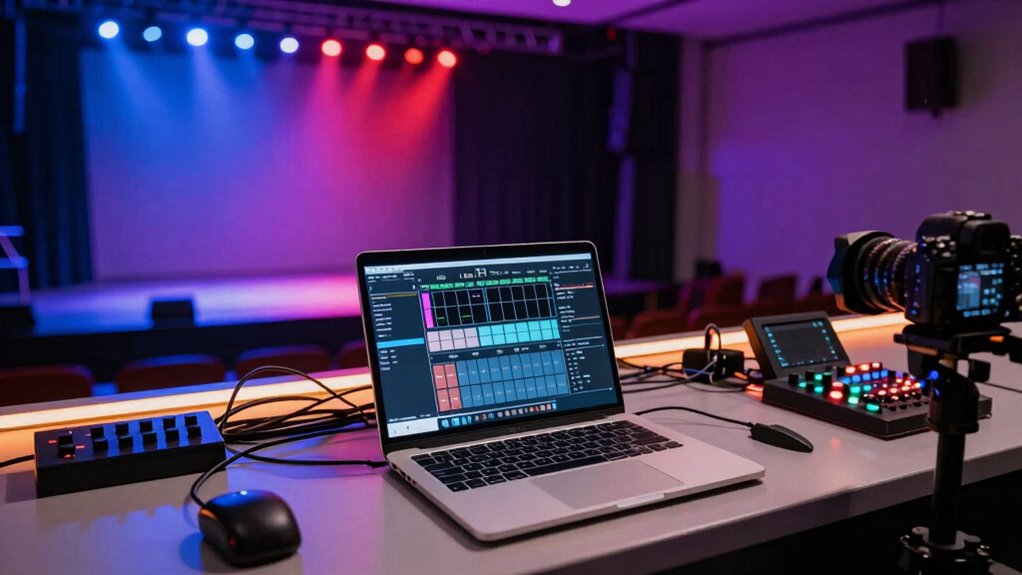
Choosing user-friendly DMX software can seem intimidating at first, but focusing on simplicity and intuitive controls makes the process much easier. Look for software with a clean, straightforward user interface that guides you through programming and controlling lights without confusion. Compatibility is also essential; verify the software works seamlessly with your hardware and operating system. Many beginner-friendly options offer drag-and-drop features, preset scenes, and easy patching, reducing the learning curve. Check reviews or demos to see how intuitive the software feels during use. Prioritize tools that provide clear documentation and support, so you can troubleshoot quickly. Selecting software with these qualities helps you gain confidence and control over your lighting setup, making your first DMX experience smooth and enjoyable.
Frequently Asked Questions
Can DMX Control Non-Lighting Devices Besides Stage Lights?
Yes, DMX can control non-lighting applications, making it versatile beyond stage lighting. You can use DMX to manage devices like fog machines, motorized curtains, or special effects equipment. Its flexibility also allows for automation integration, giving you precise control over various devices in complex setups. Just guarantee your equipment is DMX-compatible, and you’ll be able to streamline your entire production or environment with one unified control system.
What Are Common Mistakes to Avoid When Starting With DMX?
When starting with DMX, avoid common mistakes like neglecting lighting safety and ignoring system compatibility. Always guarantee your equipment is rated for DMX control and properly grounded to prevent hazards. Double-check that your devices are compatible with your controller to prevent communication issues. Don’t overload your system, and test your setup thoroughly before a show. Paying attention to these details helps you create a smooth, safe, and effective lighting experience.
How Do I Update or Upgrade My DMX System?
To update or upgrade your DMX system, start by checking if your equipment supports the latest DMX protocol versions. You can update firmware on compatible devices via manufacturer instructions, making sure they stay current with lighting automation standards. For upgrades, consider adding more DMX universes or advanced controllers to improve control flexibility. Always verify compatibility, and consult the device manuals or manufacturer support to guarantee seamless integration of new components into your existing DMX setup.
Are There Wireless DMX Options Available?
Yes, wireless DMX options are available, providing you with greater flexibility and easier setup. Look for systems with strong wireless compatibility, but be aware of potential signal interference from other devices or obstacles. To guarantee reliable control, choose reputable brands and consider using signal boosters or repeaters if you operate in environments with many electronic devices. Wireless DMX can simplify your lighting setup without sacrificing control precision.
How Does DMX Compare to Other Lighting Control Protocols?
Think of lighting protocols like different languages; DMX is the most common, like English, with reliable signal transmission for controlling multiple fixtures. Compared to others like Art-Net or RDM, DMX offers simplicity and speed, but may lack some advanced features. While protocols like MIDI focus on music control, DMX excels in stage lighting. You’ll find DMX’s widespread compatibility makes it the best choice for straightforward, effective lighting control.
Conclusion
Just like a conductor guides an orchestra to harmony, mastering DMX puts you in control of stunning lighting displays. With a little practice, you’ll navigate channels and create mesmerizing scenes, turning complex setups into your personal symphony of light. Remember, every pro was once a beginner—so keep experimenting, troubleshooting, and expanding your system. Soon, you’ll be orchestrating professional-quality lighting that transforms any space into a compelling spectacle.