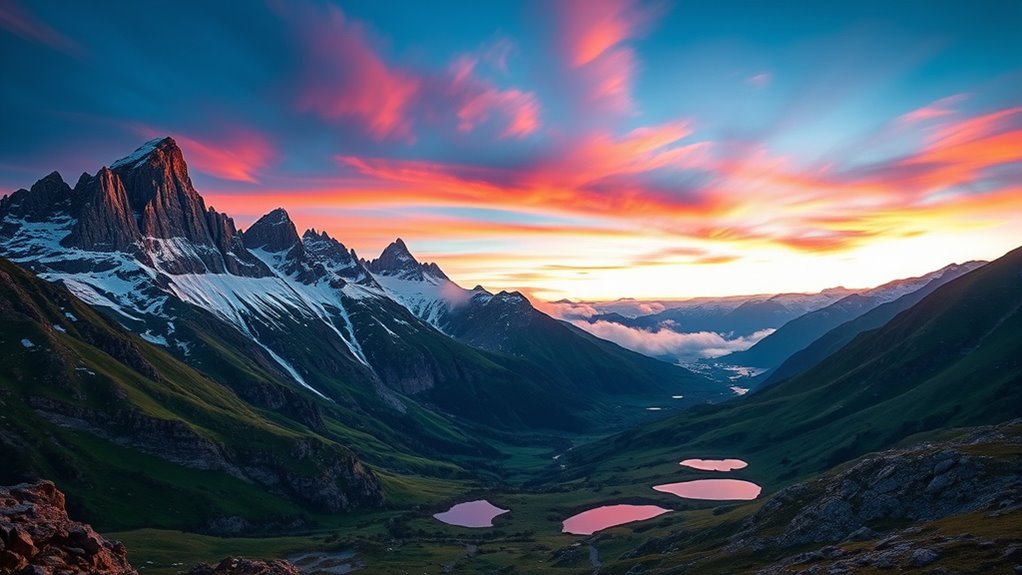

HDR imaging helps you capture scenes with a wide range of brightness by combining multiple exposures, revealing details in both very bright highlights and deep shadows. You take several shots at different exposures and blend them to prevent losing details in extreme light areas. Then, tone mapping adjusts these images to look natural on standard screens. Keep exploring, and you’ll discover how mastering these techniques can turn your photos into stunning, balanced images.

Get the latest gadgets delivered free with Prime
- Fast, free delivery on millions of items
- Prime Video, Amazon Music and more included
- Member-only deals all year
Key Takeaways
- HDR imaging combines multiple exposures to accurately capture both bright highlights and dark shadows in a scene.
- Exposure blending involves merging images taken at different brightness levels to retain detail across tonal ranges.
- Tone mapping adjusts the combined HDR image for natural appearance on standard displays, preventing flat or overly processed results.
- HDR techniques enhance image realism and detail, especially in challenging lighting conditions like sunsets, interiors, or night scenes.
- Modern cameras and smartphones often automate HDR, but mastering manual techniques provides greater control and superior results.
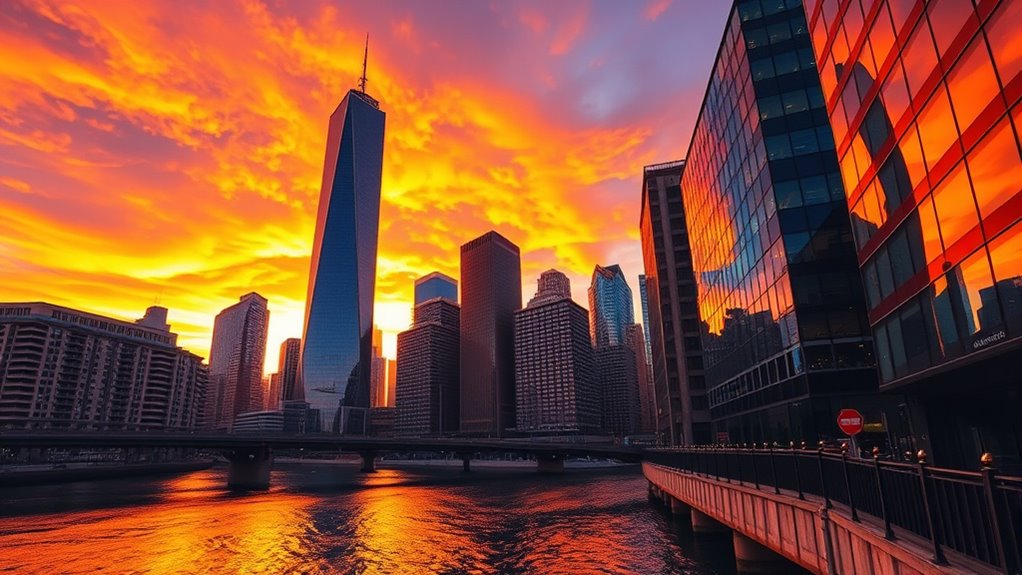
Have you ever taken a photo that looks washed out or too dark because of challenging lighting conditions? It’s a common frustration, especially when capturing scenes with bright highlights and deep shadows. That’s where HDR imaging comes into play, allowing you to create images that reflect what your eyes actually see. HDR, or High Dynamic Range imaging, involves combining multiple exposures to balance the extremes of light and dark, resulting in a more detailed and realistic photo. One key technique in HDR photography is exposure blending, where you take several shots at different exposures—some underexposed to capture highlights, others overexposed to reveal shadows—and blend them together. This process guarantees that neither the bright sky nor the dark foreground gets lost, giving your final image a full tonal range.
Once you’ve captured these multiple exposures, tone mapping becomes indispensable. Tone mapping adjusts the combined image so it appears natural and visually appealing on a standard display. Without tone mapping, HDR images can look overly flat, ghostly, or overly processed. By carefully applying tone mapping, you control how the tonal values are compressed and mapped to the display’s limited range, highlighting details in both shadows and highlights without sacrificing realism. This step is crucial because it transforms the raw HDR data into a picture that’s vibrant and true to what you saw or want to convey.
Tone mapping makes HDR images look natural and vibrant by balancing shadows and highlights.
Using exposure blending and tone mapping together, you can push your HDR images to a new level of quality. Exposure blending helps you gather all the details, while tone mapping ensures those details are presented beautifully. Many modern cameras and smartphones now automate this process, but understanding the underlying techniques gives you more control and better results. When you’re in tricky lighting situations—like landscapes at sunset, interiors with windows, or cityscapes at night—HDR lets you produce images that truly stand out. It’s not just about making your photos brighter or darker; it’s about capturing the full essence of the scene, with every highlight and shadow intact.
If you want your photos to look more like what your eyes actually see, mastering HDR imaging techniques like exposure blending and tone mapping is essential. They allow you to craft images that are both detailed and natural, overcoming the limitations of standard photography. Additionally, understanding how natural elements influence lighting can help you better plan your shots and improve your HDR results. With practice, you’ll find HDR becomes a powerful tool in your creative arsenal, enabling you to produce stunning photos that truly do justice to the complexity and beauty of the scenes you shoot.
As an affiliate, we earn on qualifying purchases.
Frequently Asked Questions
How Does HDR Imaging Affect Battery Life on Devices?
HDR imaging can increase your device’s battery consumption because it requires extra processing power to capture and combine multiple exposures. This additional workload can drain your battery faster. However, many devices implement power optimization techniques to minimize this impact, such as limiting HDR use to specific scenes or reducing processing when unnecessary. So, while HDR might slightly reduce battery life, smart power management helps balance image quality with device longevity.
Can HDR Imaging Be Used Effectively for Video Recording?
Yes, HDR imaging can be used effectively for video recording. You might think it’s complex, but it actually enhances dynamic range by using exposure blending techniques. This allows you to capture scenes with bright highlights and dark shadows simultaneously, resulting in more balanced, realistic videos. While it demands more processing power, the improved quality makes it worth exploring, especially for professional or cinematic productions that need detailed visuals.
What Are the Best Settings for HDR Photography?
You should set your camera to capture a wide dynamic range by using bracketing, taking multiple exposures. Use exposure blending in post-processing to combine these images seamlessly, preserving details in both shadows and highlights. Keep ISO low to minimize noise, and choose a smaller aperture for better depth of field. Adjust shutter speeds carefully to avoid overexposure or underexposure, ensuring your HDR photos have balanced brightness and rich detail throughout.
How Does HDR Imaging Impact Image File Sizes?
HDR imaging can dramatically increase your image file sizes—sometimes by several times—due to the expanded dynamic range data it captures. When you combine multiple exposures, the file compression struggles to keep up, resulting in larger, more detailed files. This means your photos will take up more storage space, but the payoff is stunning detail in both shadows and highlights that ordinary images simply can’t match.
Are There Any Legal Considerations When Using HDR in Commercial Photography?
When using HDR in commercial photography, you should consider legal factors like respecting intellectual property rights and obtaining model releases. Make certain you have proper permissions for any copyrighted elements or trademarks in your images. If your HDR shots include recognizable people, get model releases to avoid legal issues. Being aware of these legal considerations helps protect your work and prevents potential disputes, ensuring your commercial projects stay compliant.
As an affiliate, we earn on qualifying purchases.
Conclusion
Now that you’ve mastered the magic of HDR imaging, you’re ready to revolutionize your photos with brilliant balance and breathtaking brilliance. By blending bold brackets and balancing bright and dark, you bring scenes to life like never before. Don’t delay—dive into dynamic detail and discover dazzling differences in every shot. With HDR, you harness harmony in high contrast, creating mesmerizing, colorful captures that truly tell your story. Your photography just got a whole lot more powerful!
As an affiliate, we earn on qualifying purchases.
As an affiliate, we earn on qualifying purchases.
Halloween Picks
halloween
As an affiliate, we earn on qualifying purchases.