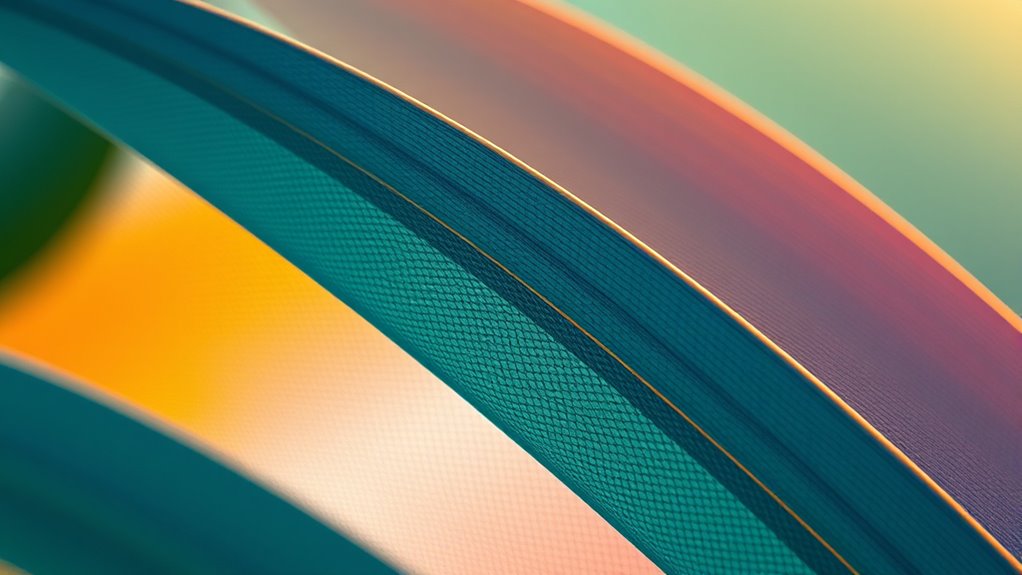

To achieve realistic color progressions in vector art, you can master gradient meshes by carefully controlling the mesh’s anchor points and grid complexity. Start simple, then gradually add detail to create smooth, natural blending of colors. Experiment with adjusting anchor points to shape shading and depth, ensuring seamless transitions. With practice, you’ll gain precision in creating lifelike effects that enhance your artwork’s vibrancy. Keep exploring, and you’ll uncover even more techniques to elevate your designs.
Key Takeaways
- Use strategically placed anchor points to control subtle color shifts and smooth gradients within the mesh.
- Balance mesh complexity by adding enough anchor points for detail without overcomplicating the design.
- Experiment with different mesh configurations to understand how color flows and blends across surfaces.
- Fine-tune anchor points and their handles to create seamless, realistic color transitions.
- Practice starting with simple shapes and gradually increase mesh detail for realistic, polished results.
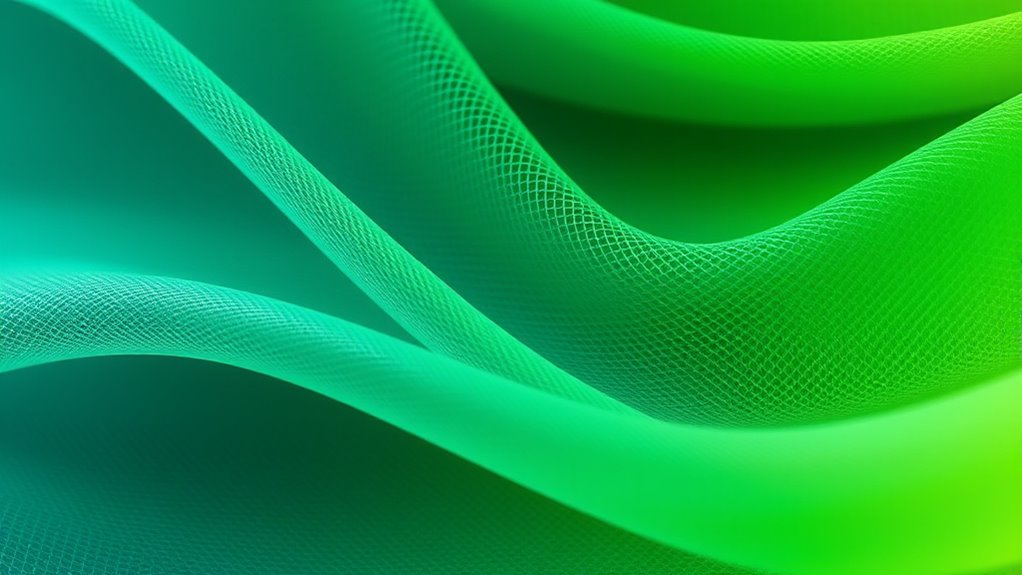
Gradient meshes are a powerful tool in digital illustration that allow you to create complex, smooth color progressions within an object. When you start working with a gradient mesh, you’re essentially designing a grid of points, or mesh anchors, that define how colors blend across the shape. This approach offers unmatched control over color blending, enabling you to achieve realistic shading and subtle transitions that mimic real-world textures and lighting. As you manipulate the mesh, you shape the way colors flow from one area to another, giving your artwork depth and dimension.
Understanding mesh complexity is key to mastering this technique. The more complex your mesh, the more control you have over intricate color blending. A simple mesh with few anchor points creates broad, smooth transitions, perfect for backgrounds or minimalist designs. But if you want to capture fine details, like the delicate shading on a face or the subtle gradation in a fabric fold, you’ll need a more intricate mesh. Increasing mesh complexity involves adding anchor points at strategic locations, allowing you to control color shifts with precision. This fine-tuning process can be time-consuming, but it’s essential for creating realistic, polished illustrations.
As you work with mesh complexity, remember that balancing detail and simplicity is vital. Excessively complex meshes can become cumbersome, making adjustments tedious and increasing file size. Conversely, too few anchor points might result in flat or unnatural color transitions. To achieve the best results, start with a manageable level of complexity, then gradually add points where you need more control. Use your software’s node editing tools to move, add, or delete anchor points, shaping the mesh to fit the contours of your object. Pay attention to how colors blend at each node — smooth, seamless transitions are your goal.
Practicing with different levels of mesh complexity helps you understand how color blending reacts to various configurations. Experiment with simple shapes first, then introduce more detail as you gain confidence. As you become more familiar, you’ll discover how to use mesh complexity strategically, creating realistic gradients that enhance your artwork’s depth and vibrancy. Remember, mastering gradient meshes isn’t just about technical skill — it’s about developing an eye for how colors interact and flow across surfaces. With patience and practice, you’ll reveal the full potential of this powerful illustration technique. Additionally, exploring sound healing science can inspire innovative ideas for using color and light effects to enhance visual storytelling and emotional impact.

Philips Hue White and Color Ambiance Base Lumen (60W) Smart Button Starter Kit, 16 Millions Colors, Works with Amazon Alexa, Google Assistant, Apple HomeKit 60 Watt (OLD VERSION)
WHAT’S IN THE BOX - Includes two White and Color Ambiance smart 60W-equivalent A19 color-changing light bulb; Perfect...
As an affiliate, we earn on qualifying purchases.
Frequently Asked Questions
Can Gradient Meshes Be Used for Print Applications Effectively?
You can definitely use gradient meshes for print applications if you focus on maintaining print quality and color accuracy. By adjusting your mesh nodes carefully and choosing the right color blends, you guarantee your artwork looks sharp and vibrant in print. Be mindful of color profiles and resolution settings to avoid issues like banding or color shifts. Properly prepared, gradient meshes can deliver stunning, realistic results in high-quality printed materials.
What Are Common Mistakes to Avoid With Gradient Meshes?
When working with gradient meshes, you want to avoid common mistakes like mesh distortion and color banding. Keep your mesh points well-placed to prevent distortion, which can make your artwork look uneven. Additionally, use smooth color progressions to minimize banding, especially in large areas. Taking your time to refine anchor points and blending colors gradually helps achieve realistic, professional results without these pitfalls.
How Do Gradient Meshes Impact File Size and Performance?
Imagine your artwork as a bustling city; adding gradient meshes is like constructing intricate bridges that connect neighborhoods. These bridges increase the city’s size, just as gradient meshes raise your file size. They also slow down rendering speed, akin to traffic congestion. While they create beautiful shifts, they demand more from your system, making your vector art heavier and potentially less responsive. Use them wisely to balance detail and performance.
Are Gradient Meshes Compatible Across Different Vector Software?
You might wonder if gradient meshes work across different vector software. Compatibility can be limited, as not all programs support gradient mesh features or interpret the data similarly. If you plan to share files, you’ll need to take into account software compatibility to guarantee your gradient meshes display correctly. Using common formats or exporting in compatible versions helps maintain your design’s integrity and makes file sharing smoother.
What Skills Are Needed to Master Gradient Mesh Techniques?
To master gradient mesh techniques, you need strong skills in color blending and understanding mesh complexity. You should practice creating smooth shifts by carefully adjusting mesh points and color stops. Developing an eye for detail helps you manage intricate color variations, while patience is key for handling complex meshes. With experience, you’ll improve your ability to produce realistic, seamless color transitions in your vector art.

Philips HueWCA 9.5W A19 E26 2set US
WHAT’S IN THE BOX: Includes one Hue Bridge and two Hue white and color ambiance LED smart 60W...
As an affiliate, we earn on qualifying purchases.
Conclusion
With gradient meshes, you bring your artwork to life, blending colors seamlessly and creating depth that beckons the eye. You craft smooth shifts, add subtle shadows, and evoke realism, all with a few strategic points and curves. As you master this technique, you transform flat shapes into vibrant, dynamic scenes. You shape light, shadow, and color, turning simple vectors into stunning visuals. You elevate your art, making every piece a vivid, enthralling masterpiece.

Philips Hue Smart Light Starter Kit - Includes (1) Bridge and (4) 75W A19 E26 LED Smart White Ambiance Bulbs - Control with App - Compatible with Alexa, Google Assistant, and Apple HomeKit
WHAT'S IN THE BOX - Includes one Hue Bridge and four Hue White Ambiance smart 75W A19 light...
As an affiliate, we earn on qualifying purchases.

Sengled Smart Light Bulb Starter Kit, Smart Bulbs that Work with Alexa, Google Home, 2700K Soft White Alexa Light Bulbs, A19 E26 Dimmable Bulbs 800LM, 9 (60W Equivalent), 4 Bulbs with Hub, New
【Sengled Smart Hub Supports 2.4G & 5G】Connect smart light bulb to Sengled Smart Hub, which works with both...
As an affiliate, we earn on qualifying purchases.