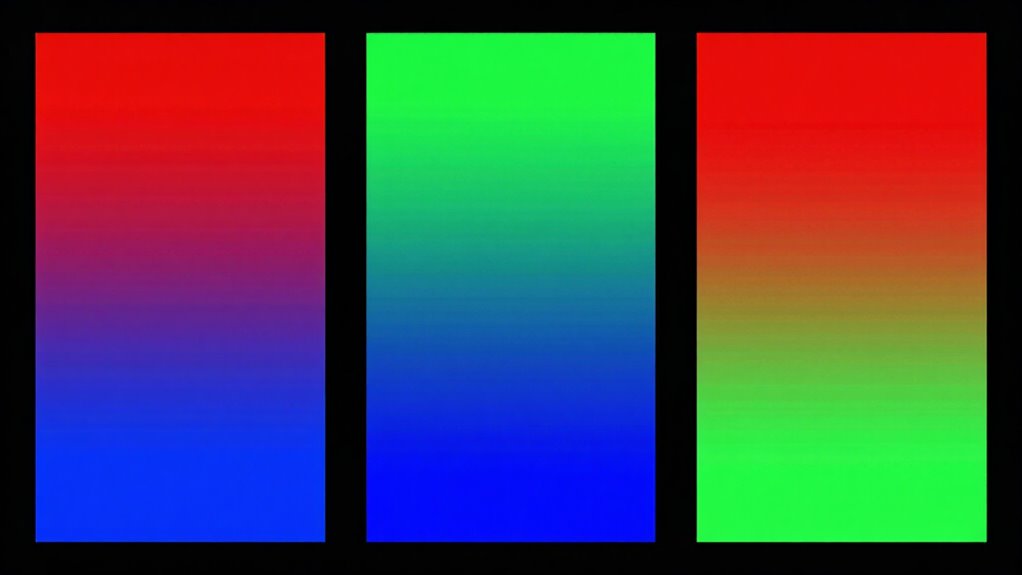

Understanding color spaces is key to ensuring your images look vibrant and accurate across devices. sRGB is the standard for web and most screens, focusing on compatibility. Adobe RGB offers a wider gamut for professional printing and editing, delivering richer colors. DCI‑P3 is used in modern movies, providing more vivid reds and greens. Choosing the right space depends on your project’s medium and goal—keep exploring to gain a clearer picture.

Get the latest gadgets delivered free — and shop member deals
- Fast, free delivery on millions of items
- Access to Prime Big Deal Days deals on October 6–7
- Prime Video, Amazon Music and more included
Key Takeaways
- sRGB is the most common color space for web and consumer devices, offering broad compatibility and standardization.
- Adobe RGB has a wider color gamut, providing more vibrant, accurate colors ideal for professional printing and editing.
- DCI‑P3 is designed for digital cinema, offering a broader range of colors than sRGB, especially in reds and greens.
- Selecting the right color space depends on the final medium—web, print, or video—to ensure color accuracy and vibrancy.
- Proper calibration and matching workflows are essential to maintain consistent colors across different devices and outputs.
As an affiliate, we earn on qualifying purchases.
What Are Color Spaces and Why Do They Matter?
Color spaces are essential tools that define how colors are represented and displayed across different devices and mediums. They directly influence your color perception, ensuring you see consistent hues whether on a monitor, print, or smartphone. Proper color calibration relies on understanding these spaces, aligning device output with standard references for accurate color reproduction. Without this calibration, colors can appear dull, oversaturated, or mismatched, impacting your work or viewing experience. Color spaces set the boundaries for what colors can be displayed, making them critical for professionals in photography, design, and video production. By selecting the right color space, you control how vivid or true-to-life your images look, ensuring your intended message or aesthetic is preserved across platforms. Additionally, understanding the role of color accuracy in projectors can further enhance your visual experience, particularly in home cinema settings. This adaptability to digital content formats ensures that your work maintains integrity across various viewing environments, and learning about color management techniques can significantly improve your workflow in creative projects.
As an affiliate, we earn on qualifying purchases.
sRGB: The Standard Color Space for Web and Devices
sRGB has become the default standard for displaying images on the web and most consumer devices because it offers a consistent and widely supported color space. Its origins trace back to the early days of color space history, designed to guarantee compatibility across different devices and platforms. Because of its simplicity and standardization, sRGB requires minimal color calibration, making it easy for developers and consumers to trust its color accuracy. Most screens, printers, and digital cameras are calibrated to sRGB, ensuring your images look consistent everywhere. Its broad adoption means you don’t need to worry about color management issues when sharing or viewing digital content. This interoperability makes sRGB the go-to choice for web design, social media, and everyday device use. Additionally, understanding color calibration techniques can further enhance the accuracy of your digital images.
As an affiliate, we earn on qualifying purchases.
Adobe RGB: A Professional-Grade Color Space

Adobe RGB: A Professional-Grade Color Space
Adobe RGB offers a broader color gamut, giving you more vibrant and accurate colors for your projects. This makes it ideal for professionals who need precise color reproduction. If you’re serious about color quality, Adobe RGB can be a game-changer. Additionally, understanding debt management can help you allocate resources effectively for purchasing high-quality equipment and software. Using enterprise USB backups can also ensure that your work is securely stored and readily accessible.
Broader Color Gamut
Have you ever wondered why some images look more vibrant and true to life than others? That’s often due to a broader color gamut, like Adobe RGB, which captures more colors. This wider range enhances color accuracy and makes images pop with richer hues. When working with professional photos, a broader gamut ensures your visuals have greater detail and realism. Consider these points:
- Adobe RGB covers a larger spectrum of greens and cyans, boosting realism.
- It offers better color accuracy for print and digital media.
- The increased color range creates a stronger visual impact.
- It’s ideal for editing high-quality images where color precision matters most.
- Sustainability in digital media production is becoming increasingly important, paralleling trends in other sectors. Additionally, maintaining healthy plants can enhance your outdoor photography, allowing for more vibrant backgrounds and settings. Furthermore, understanding color management is crucial for achieving consistent results across different devices. In the realm of digital transactions, enhanced security measures can help ensure that your images remain protected from unauthorized use. Moreover, utilizing psychological principles can help photographers better understand how color influences viewer perception and emotion.
Ideal For Professionals
When working on professional projects, color accuracy and consistency become paramount, making Adobe RGB the ideal choice. Its wider color gamut captures more vibrant and precise hues, essential for high-quality printing, photography, and design work. Adobe RGB also aligns with industry calibration standards, ensuring your colors stay consistent across different devices and workflows. This color space is favored by professionals who demand accurate reproduction of subtle color nuances. Proper calibration ensures your monitor displays Adobe RGB’s full potential, maintaining fidelity throughout your project. Here’s a quick comparison:
| Feature | Adobe RGB |
|---|---|
| Color Gamut | Wide, richer color range |
| Best For | Professional printing, photography |
| Calibration Standards | Industry-standard calibration |
| Color Accuracy | High, essential for precision |
As an affiliate, we earn on qualifying purchases.
DCI‑P3: The Color Space Powering Modern Movies

DCI‑P3 is a wide color space that has become the standard for modern digital movies, offering a broader range of colors than traditional sRGB or Rec. 709. It enables filmmakers to achieve richer, more vibrant cinematic color during production and color grading. When working within DCI‑P3, you can create visuals with deeper reds, greens, and blues, enhancing the overall cinematic color experience. Here’s what makes DCI‑P3 essential for movies:
- Enhanced Color Range: Greater vibrancy for realistic and immersive visuals.
- Cinema-Standard Compatibility: Widely adopted in digital projectors and screens.
- Better Color Grading: Allows precise control over cinematic color tones.
- Superior Visual Impact: Provides a more dynamic and captivating viewer experience.
How to Choose the Right Color Space for Your Projects
When choosing a color space, start by considering your output medium—whether it’s print, web, or video—as this influences your color accuracy needs. Next, match the color gamut to your project’s requirements to guarantee vibrant, consistent visuals. Finally, assess your workflow compatibility to avoid unnecessary adjustments and streamline production.
Consider Your Output Medium
Choosing the right color space depends heavily on your output medium, because each device or platform has specific color capabilities. To guarantee color accuracy, consider how your project will be viewed or printed. For example, digital screens often use sRGB, while professional printing benefits from Adobe RGB. Here are some tips:
- Know your target device’s color gamut and calibration standards.
- Use proper color calibration tools for consistent color accuracy.
- Match your color space to the medium’s capabilities to avoid color clipping.
- Remember that larger gamuts like Adobe RGB are better for print but may be unnecessary for web use.
Adjusting your workflow based on these factors helps guarantee your colors look their best across all outputs.
Match Color Gamut Needs
Selecting the right color space hinges on matching its color gamut to the specific needs of your project. If you require precise color accuracy, especially for professional printing or photography, choose a broader gamut like Adobe RGB or DCI-P3. These offer a wider range of colors, making your images more vibrant and true-to-life. Conversely, if your work is primarily digital and needs compatibility across devices, sRGB may suffice. Proper color calibration guarantees your monitor displays colors accurately within the chosen space, which is essential for consistent results. By understanding your target medium and desired color fidelity, you can select a color space that aligns with your project’s goals, ensuring both vibrant visuals and reliable color reproduction.
Assess Workflow Compatibility
How do you guarantee your chosen color space fits seamlessly into your workflow? Focus on evaluating workflow compatibility by considering your tools and processes. First, check your software compatibility—ensure your editing, design, and printing programs support the color space you select. Second, examine your hardware—your monitor and devices should accurately display your chosen gamut to prevent color shifts. Third, consider your color management system—ensure it can handle the color profiles correctly across devices. Finally, test your workflow with sample projects to identify any color inconsistencies early. By paying attention to these factors, you’ll maintain consistent color across your entire process, reducing surprises and ensuring your final output aligns with your creative intent.
Common Color Space Mistakes and How to Avoid Them
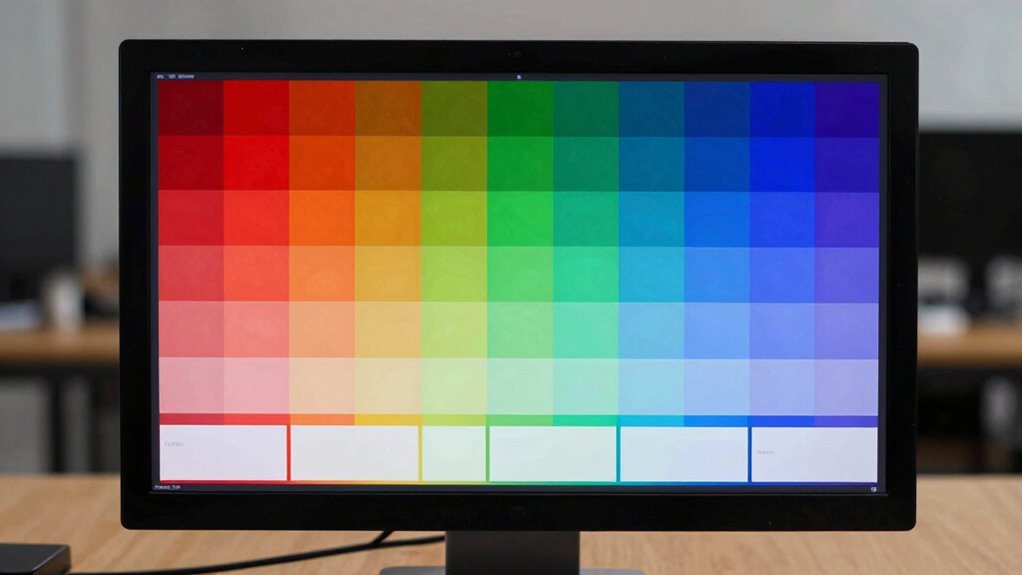
Many common mistakes in working with color spaces stem from misunderstanding their inherent limitations and proper applications. One mistake is assuming all color spaces provide the same level of color accuracy, leading to mismatched colors across devices. Using a wide-gamut space like Adobe RGB for web images can harm color consistency, as most screens cannot display its full range. Conversely, relying solely on sRGB for professional printing can cause dull results, since it doesn’t encompass the full spectrum needed. To avoid these pitfalls, always match your color space to your project’s final output. Keep in mind that maintaining consistent color profiles throughout your workflow guarantees better color accuracy and consistency, preventing surprises when your work is displayed or printed.
Frequently Asked Questions
Can I Convert Between Color Spaces Without Losing Quality?
You can convert between color spaces without losing quality if you handle it correctly. To maintain color accuracy and maximize gamut coverage, use proper color management tools and high-quality software. Always guarantee your source and destination color profiles are well-calibrated. Keep in mind that conversions might reduce the visible color range or introduce slight shifts, especially if moving to a smaller gamut, but proper techniques minimize these issues effectively.
How Do Color Spaces Affect Image Editing and Printing?
Color spaces greatly impact your image editing and printing by influencing color gamut and accuracy. A wider color gamut, like Adobe RGB or DCI‑P3, lets you capture and work with more vibrant colors, guaranteeing better color fidelity. However, if your device or printer isn’t compatible, you might experience color shifts. Choosing the right color space guarantees your edits stay true and your prints match your digital colors more precisely.
Are There Devices That Support All Three Color Spaces?
Yes, some high-end devices support all three color spaces, ensuring better device compatibility and color accuracy. Professional monitors, like those from Eizo or NEC, often offer this feature, allowing you to switch between sRGB, Adobe RGB, and DCI‑P3 depending on your needs. Laptops and tablets with advanced display technology also support multiple color spaces, helping you maintain color consistency across various workflows.
What Are the Limitations of Each Color Space?
You’ll find flaws in each color space’s finesse. sRGB, with a smaller color gamut, limits color accuracy, making images appear duller on vivid displays. Adobe RGB offers a broader gamut but struggles with consistent calibration, risking color inconsistencies. DCI‑P3 shines in cinematic clarity but isn’t universally supported, restricting color accuracy across devices. Understanding these limitations helps you choose the right space for your precise, polished pictures.
How Does Color Space Choice Impact Viewing on Different Screens?
Your choice of color space affects how accurate colors look across screens. If you pick a wider space like Adobe RGB or DCI‑P3, you’ll notice more vibrant colors on compatible monitors, but on others, colors might appear washed out or oversaturated. Proper screen calibration is essential to confirm color accuracy, especially when switching between different devices, so your images look consistent and true to life regardless of the screen you’re viewing on.
Conclusion
Choosing the right color space might seem complex, but it’s essential for your project’s success. Don’t worry about mastering every detail—just remember to align your color space with your medium. Whether it’s sRGB for web, Adobe RGB for print, or DCI-P3 for video, using the appropriate one ensures vibrant, accurate colors. Skip this step, and your images might look dull or off. Invest a little time now, and see your work truly shine.
Fall Picks
fall essentials
As an affiliate, we earn on qualifying purchases.