
Using Live View and Zebras helps you see your exposure in real-time, making it easier to spot overexposed areas with animated stripes. The histogram provides a visual graph of tonal balance, alerting you to over or underexposure. By combining both tools, you can fine-tune your camera settings before capturing, ensuring highlights are preserved and shadows retain detail. Keep exploring, and you’ll discover how to master exposure for perfect shots every time.

Get the latest gadgets delivered free — and shop member deals
- Fast, free delivery on millions of items
- Access to Prime Big Deal Days deals on October 6–7
- Prime Video, Amazon Music and more included
Key Takeaways
- Enable real-time scene monitoring to make immediate exposure adjustments during shooting.
- Use zebras to visually identify overexposed areas and prevent highlight clipping.
- Analyze the histogram alongside zebras to assess tonal balance and exposure accuracy.
- Zoom in on critical scene details to evaluate exposure precisely using Live View.
- Combine zebras and histogram feedback for proactive, informed exposure management in varying lighting conditions.
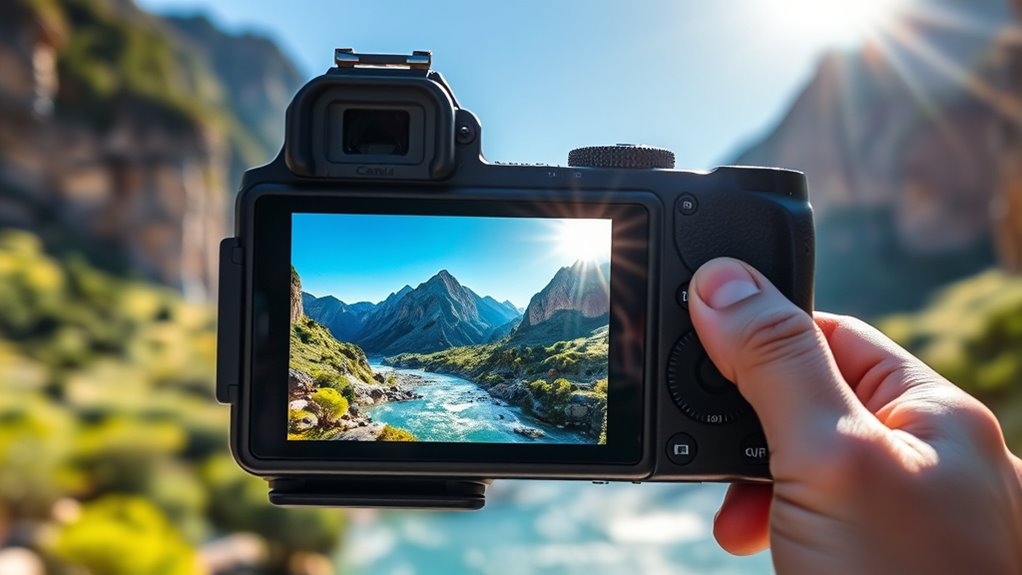
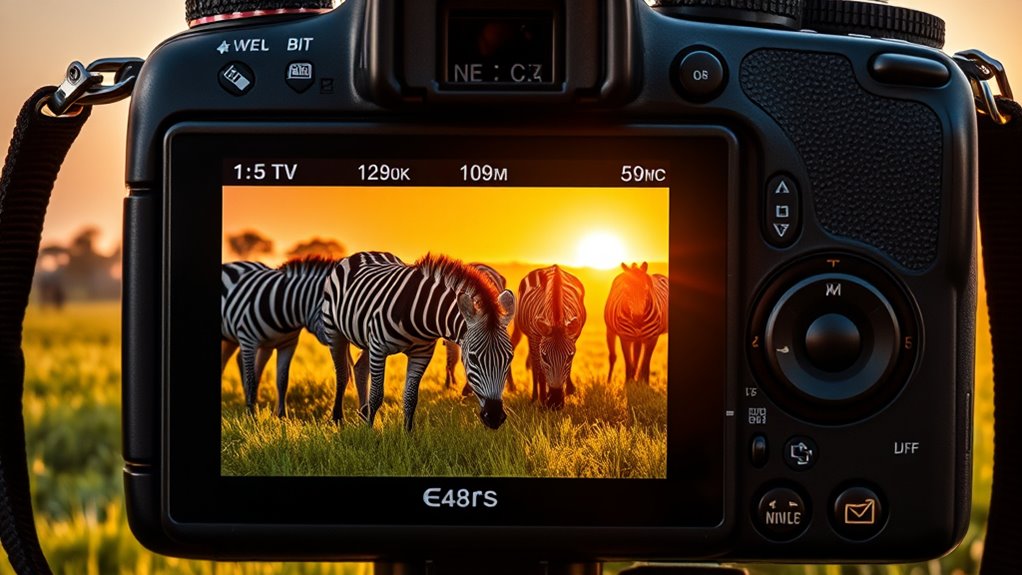
When you’re shooting in challenging lighting conditions, using Live View and zebras can dramatically improve your exposure accuracy. These tools allow you to see exactly how your camera perceives the scene in real time, helping you make precise adjustments before capturing the shot. One of the most effective ways to fine-tune your exposure is through histogram analysis. The histogram displays a graphical representation of your image’s tonal values, showing the distribution of shadows, midtones, and highlights. By studying the histogram, you can determine whether your exposure is balanced or if it’s leaning too heavily toward shadows or highlights. This immediate feedback lets you correct your settings on the fly, ensuring that you don’t lose important details in the darkest or brightest areas of your image. Additionally, understanding filter replacement indicators can help maintain your camera’s performance and image quality over time. Highlight control becomes essential when working in high-contrast scenes or tricky lighting conditions. Zebras, which overlay animated stripes on areas of the image that are overexposed, provide a visual cue that highlights are being clipped. When you see zebras flashing on parts of your scene, you know those areas are losing detail due to overexposure. Adjust your shutter speed, aperture, or ISO accordingly to bring those highlights within a safe exposure range. This proactive approach prevents blown-out highlights, especially in situations like bright skies or reflective surfaces where overexposure can ruin a shot. Combining zebra overlays with histogram analysis offers a detailed method to manage exposure effectively, giving you confidence that your highlights are preserved without sacrificing shadow detail. Live View also allows you to zoom in on specific areas of your frame, giving you a closer look at how exposure adjustments impact critical parts of your image. This real-time feedback is invaluable in dynamic environments where lighting conditions change rapidly. By continuously monitoring the histogram and zebras while adjusting your camera settings, you gain a better understanding of how each change affects the overall exposure. This iterative process helps you develop a more intuitive sense of exposure control, especially in complex scenes. Over time, you’ll become more adept at reading histograms and recognizing zebra patterns, enabling faster, more accurate adjustments.
camera with Live View and histogram
As an affiliate, we earn on qualifying purchases.
As an affiliate, we earn on qualifying purchases.
Frequently Asked Questions
Can Live View and Zebras Be Used Together for Better Exposure?
Yes, you can use Live View and Zebras together for better exposure. Live View gives you a real-time preview, helping you judge scene brightness, while Zebras highlight areas at risk of overexposure, ensuring histogram accuracy. By monitoring both, you can manually adjust exposure settings confidently, avoiding blown highlights and underexposure. This combined approach helps you achieve well-balanced shots, especially in tricky lighting conditions.
Are Zebras Available on All Camera Models and Brands?
Zebras aren’t available on all camera models and brands; you’ll need to check your camera’s compatibility first. Some brands like Canon and Nikon include zebra features in certain models, but others may not. Imagine the thrill of capturing perfect exposure, only to find your camera lacks zebras. Don’t assume—review your camera’s specs or manual to see if zebras are part of its toolkit, ensuring you don’t miss out on crucial exposure cues.
How Do I Adjust Zebra Settings for Different Lighting Conditions?
You can adjust zebra settings in your camera’s menu under exposure guidelines or display options. Start by setting the zebra level to match your desired highlight warning threshold, typically around 100% for bright areas. Then, test your shot in different lighting conditions, tweaking the zebra intensity or threshold as needed. This helps you maintain proper exposure, preventing blown highlights and ensuring your camera settings are optimized for each scene.
Do Zebras Affect the Camera’s Autofocus Performance?
Zebras don’t interfere with your camera’s autofocus performance, so you can focus confidently without worry. They act like gentle guides, highlighting overexposed areas for better exposure accuracy without disrupting autofocus interference. This means you can fine-tune your shots smoothly, trusting that the zebras help with exposure without compromising your camera’s ability to lock focus quickly and accurately. It’s a seamless way to improve your images without distraction.
Is It Possible to Customize Zebra Patterns for Specific Exposures?
Yes, you can customize zebra patterns for specific exposures. Many cameras allow exposure customization through menu settings, letting you adjust the threshold for zebra overlays. This means you can set custom zebra patterns to highlight particular brightness levels, ensuring you accurately monitor exposure based on your needs. By tailoring zebra patterns, you gain more control over your shot’s exposure, helping you achieve the perfect balance between highlights and shadows.
As an affiliate, we earn on qualifying purchases.
Conclusion
By combining Live View with zebras, you gain precise control over your exposure, turning technical accuracy into creative freedom. It’s a balance—where the stark lines of zebras contrast with the dynamic, real-time view on your screen—guiding you to perfect shots. Embrace this harmony; it’s not just about avoiding overexposure, but about capturing the moment’s true essence. In this dance between technology and artistry, your vision becomes clearer, sharper, and more compelling.
camera accessories for zebras and histogram
As an affiliate, we earn on qualifying purchases.
As an affiliate, we earn on qualifying purchases.
DSLR camera with advanced exposure control
As an affiliate, we earn on qualifying purchases.
As an affiliate, we earn on qualifying purchases.
Fall Picks
fall essentials
As an affiliate, we earn on qualifying purchases.