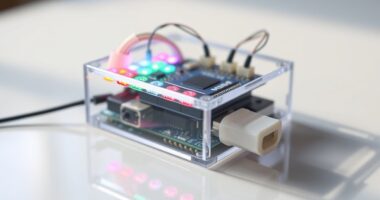
To build a UV index meter with Arduino, start by selecting a suitable UV sensor like VEML6075 or SI1145 and connect it to your Arduino board. Calibrate the sensor using a known UV source to guarantee accurate measurements, then write code to read the sensor data and convert it into standard UV index values. Display the results on an LCD or transmit them via Bluetooth for real-time monitoring. Keep exploring, and you’ll discover more ways to improve your device.
Key Takeaways
- Select and connect an appropriate UV sensor (e.g., VEML6075) to your Arduino for accurate UV measurement.
- Calibrate the sensor using a known UV source to ensure precise and reliable UV index readings.
- Program the Arduino to read sensor data, apply calibration, and convert it into standard UV index values.
- Display the UV index in real-time using an LCD or OLED screen for easy monitoring.
- Optionally, transmit data via Bluetooth or Wi-Fi for visualization and analysis on external devices.
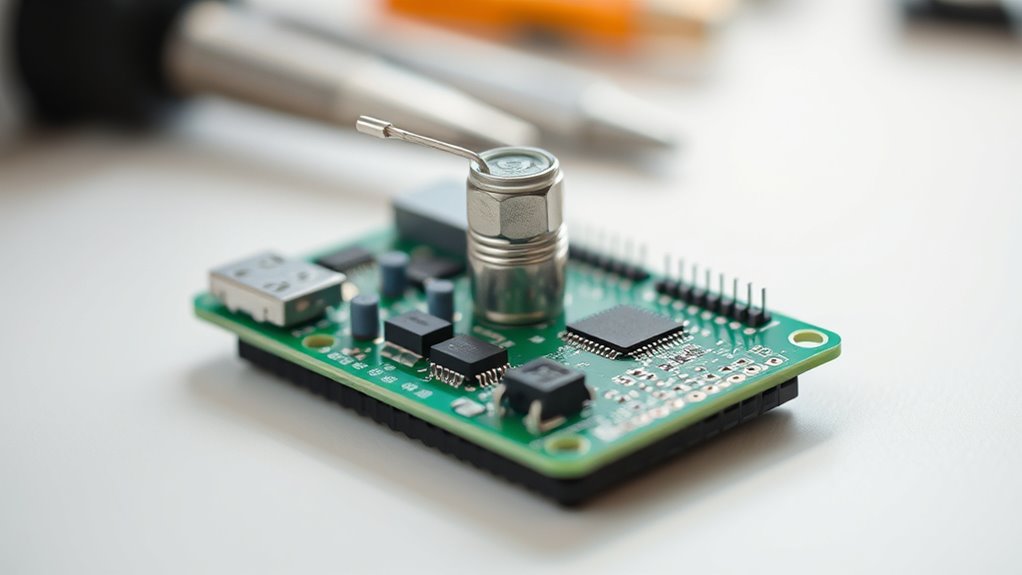
If you want to monitor UV exposure accurately, building a UV index meter with Arduino is a practical and rewarding project. This device can help you track UV levels in real-time, making it easier to protect yourself from harmful rays. To achieve reliable readings, sensor calibration plays an essential role. Properly calibrating your UV sensor ensures the data you collect reflects actual UV intensity. You’ll need to compare your sensor’s output against a known UV source or standard to adjust its readings accordingly. This process helps eliminate errors and improves the overall accuracy of your measurements. Once your sensor is calibrated, you can focus on collecting data and transforming it into meaningful information. Accurate calibration is especially important for understanding UV index and its health implications. Data visualization is fundamental for interpreting UV index data effectively. By connecting your Arduino to a display module, such as an LCD or OLED screen, you can display real-time UV levels directly. Alternatively, you can send data to your computer or smartphone via Bluetooth or Wi-Fi, and then create graphs or charts to visualize trends over time. This approach makes it easier to understand fluctuations in UV exposure during different parts of the day or under various weather conditions. Visualization tools not only help you monitor current levels but also assist in analyzing historical data, enabling you to identify patterns and make informed decisions about outdoor activities. Building the device involves selecting the right UV sensor compatible with Arduino, such as the VEML6075 or the SI1145. These sensors detect UV radiation effectively and are straightforward to interface with Arduino boards. Once you’ve connected the sensor, you’ll write code to read raw data and apply calibration adjustments. Incorporate functions that normalize sensor readings and convert them into UV index values, which are standardized measurements used worldwide. This step is fundamental for ensuring your readings are comparable to official UV index reports. After processing the data, you can program your Arduino to output the UV index on a display or transmit it for visualization on a computer or mobile device. Ultimately, building a UV index meter with Arduino offers a hands-on way to understand UV radiation and protect yourself from overexposure. Proper sensor calibration guarantees your data’s accuracy, while effective data visualization helps you interpret the readings easily. With some basic electronic skills and coding knowledge, you’ll create a functional, educational device that provides valuable insights into sun safety. This project not only enhances your technical abilities but also promotes awareness of UV risks, empowering you to make smarter decisions when spending time outdoors.
Frequently Asked Questions
What Is the Maximum UV Index the Sensor Can Measure?
You might wonder about the UV sensor limitations and measurement range. Typically, UV sensors can measure UV index levels up to around 15 to 20, depending on the model. Higher UV indices are often beyond their capacity, so calibration and selection of the right sensor are essential. Always check the datasheet for the specific sensor you’re using to understand its maximum UV index measurement capabilities and avoid inaccuracies.
Can This Project Be Powered Using a Portable Battery?
Like a knight seeking endless horizons, you can power your UV index meter with a portable battery. Using portable power extends your device’s battery life, allowing continuous measurements without wall outlets. Choose a suitable power bank with enough capacity to match your project’s energy needs. This way, your UV sensor stays vigilant outdoors, and you gain flexibility, just like a traveler exploring new terrains with reliable energy on hand.
How Accurate Is the UV Index Reading Compared to Commercial Devices?
You might wonder about the accuracy of your UV index readings compared to commercial devices. The precision largely depends on proper sensor calibration and consistent measurement conditions. While DIY setups can provide reliable data, commercial devices typically undergo rigorous calibration, offering higher measurement precision. To improve your results, regularly calibrate your sensor and ensure stable environmental conditions, but remember, your homemade meter may not match the exact accuracy of professional equipment.
Is Coding Experience Required to Build This UV Meter?
You don’t need extensive coding experience to build a UV index meter, making it beginner friendly. Many kits and tutorials are designed with simple instructions, so coding is optional. If you’re comfortable with basic electronics, you can follow step-by-step guides and customize your project easily. Even if you’re new to programming, you can still successfully assemble and use the UV meter, gaining valuable hands-on experience.
Can This Device Log Data Over Extended Periods?
You can definitely log long-term data with this device. It’s designed for data logging over extended periods, allowing you to monitor UV levels consistently. To do this, you’ll need to add a storage component like an SD card shield to your Arduino. With this setup, you can collect and store UV index readings continuously, making it easy to analyze trends and patterns over time without needing complex programming skills.
Conclusion
Building this UV index meter is like giving your Arduino a pair of sunglasses—it helps you see the sun’s true brightness without risking your skin. Just as sunglasses protect your eyes from harmful rays, your device safeguards your skin by providing accurate UV readings. Now, whenever you’re outdoors, you’ll have a reliable tool to beat the sun’s hidden dangers. With this project, you’re not just measuring UV; you’re empowering yourself to enjoy the sun safely.